
Our Starting Kit: Claude Code, Claude CoWork & Google's AI Studios
A lot of you have been asking where to start with the tools that are actually enabling lawyers to build things for themselves.


Ahead of the weekend we’re sharing a list of tools and resources we’ve found particularly helpful; accessible or inspiring! There are a load more (Notebook LM for deep research and learning; Granola for meetings; Perplexity for search; Riverside for podcast editing; Particle for news etc), but we had to start somewhere that felt relevant and increasingly familiar 😊
Each serves a different purpose (more on that 👇), but together they cover most of what you’d need to start experimenting.
Claude Code
Claude Code is Anthropic’s command-line tool that lets you work with Claude directly in your development environment. Think of it as having an AI collaborator that can read your files, write code, and execute tasks based on your instructions.
Why it matters for legal: it’s becoming the go-to environment for engineers building legal technology products (more on that in our upcoming podcast conversation next week with Chris Bridges and Matt Pollins 👀)!
Why you might want to leverage it through an IDE (not the terminal)
You could run Claude Code in your terminal but you’d be working blind — unable to see your files, preview documents, or watch Claude make changes in real time.
An IDE (Integrated Development Environment) like VS Code (free to download) or Cursor gives you a file browser, text editor, and terminal all in one window. It’s a control centre for working with files. When Claude creates or edits something, you see it happen. This visibility is the difference between feeling in control and feeling lost.
Hannah Stulberg elaborates further on why you may want to leverage an IDE in this insightful piece 👇(she promotes Cursor, we use VS code). She covers setup, IDE layout, permissions, and markdown basics. Clear, practical, no jargon.

The Architecture: Commands, Skills & MCP
To get the most from Claude Code, it helps to understand the building blocks. This isn’t about becoming technical — it’s about becoming literate in the system so you can shape it to your needs.
Commands are explicit instructions you trigger (like /research or /draft-nda). They’re shortcuts for specific workflows you use repeatedly.
Skills are where it gets interesting. A Skill is essentially a folder that teaches Claude how to do something specific — your way. At its simplest, it’s a text file (SKILL.md) with instructions. At its most sophisticated, it’s a complete package: workflows, reference materials, precedents, escalation triggers.
Matt Pollins frames this brilliantly for lawyers: “Law firm know-how exists in many forms: precedent banks, checklists, playbooks, practice notes — and partners’ heads... Skills could represent a shift for KM systems from systems of content to systems of action.”

Imagine a contract review Skill that encodes your entire negotiation playbook. When Claude reviews third-party paper it applies your firm’s positions, evaluates deviations against market norms, and suggests alternatives from your own clause library.
MCP (Model Context Protocol) connects Claude to external systems: your document management system, databases, or third-party services. You might use MCP to connect to iManage, and use a Skill to teach Claude how to apply your naming conventions and route documents through your review process.
The ultimate payoff: understanding this architecture helps you see that the same mental model — commands, skills, connectors — applies across Claude Code, Claude CoWork, and increasingly other AI tools.
Learn it once, apply it everywhere.
Some great additional resources 📚
Claude Code for PMs or Claude Code for Everyone (both by Carl Vellotti): Two great courses (which duplicate and overlap) designed specifically for non-developers. The clever bit: they are taught inside Claude Code itself, so you learn by doing. (Those of you working in tech companies may appreciate the course for PMs more as the context/tasks and examples are far more tailored to someone working in a comparable environment.)
VS Code Setup Walkthrough (by the great 9x Team): A quick Loom video that walks you through installation. No nonsense, just the steps.
Vibe Coding My Job (YouTube): An honest case study of using AI for everything by the Head of Growth at Every. Equal parts inspiring; practical and discerning.
Some ideas for starting..
Step 1: Install VS Code or Cursor and set up Claude Code using Hannah Stulberg’s guide (for Cursor) or the 9x walkthrough (for VS Code).
Step 2: Start one of Carl’s courses. Complete it inside Claude Code itself.
Step 3: Read Matt Pollins’ piece on Skills. Then pick one simple use case — maybe a document naming convention or a small automation — and create your first Skill.
Claude CoWork
Claude CoWork is the newest addition to Anthropic’s toolkit — and arguably the most significant for non-technical legal professionals.
Think of it as Claude Code’s more accessible sibling. Same underlying architecture, but without the terminal. It lives as a tab in the Claude Desktop app, sitting alongside Chat. You give it access to a folder on your computer, describe what you want done, and it gets to work — reading, editing, creating, renaming, and organising files.
The Unlock?
Antti Innanen (Dot Legal) captured this well in a recent piece for Artificial Lawyer:
“You are no longer prompting in the abstract. You are supervising work that happens in a concrete environment you can inspect at any time.”
He calls this orchestration — and it’s a useful frame. You scope a workspace (a folder). You decide what goes in and what stays out. You write clear task instructions. You review outputs critically. You know when to intervene and when to let the agent work.
These are judgment skills, not technical skills. And lawyers already have them.
In Antti’s example, he gave CoWork access to a folder containing Disney’s acquisition documents for 21st Century Fox — including a 300+ page proxy statement and a dense merger agreement. He asked it to organise the files, extract key deal terms, and generate a plain-language summary. Work that we can all understand (through painful experience) used to take us a lot longer? 🤣
The Plugin Release (January 2026)
Over the last week, Anthropic released plugins for CoWork. We enjoyed Tara L. Walters’ post covering the general release, including the Legal plugins 👇.
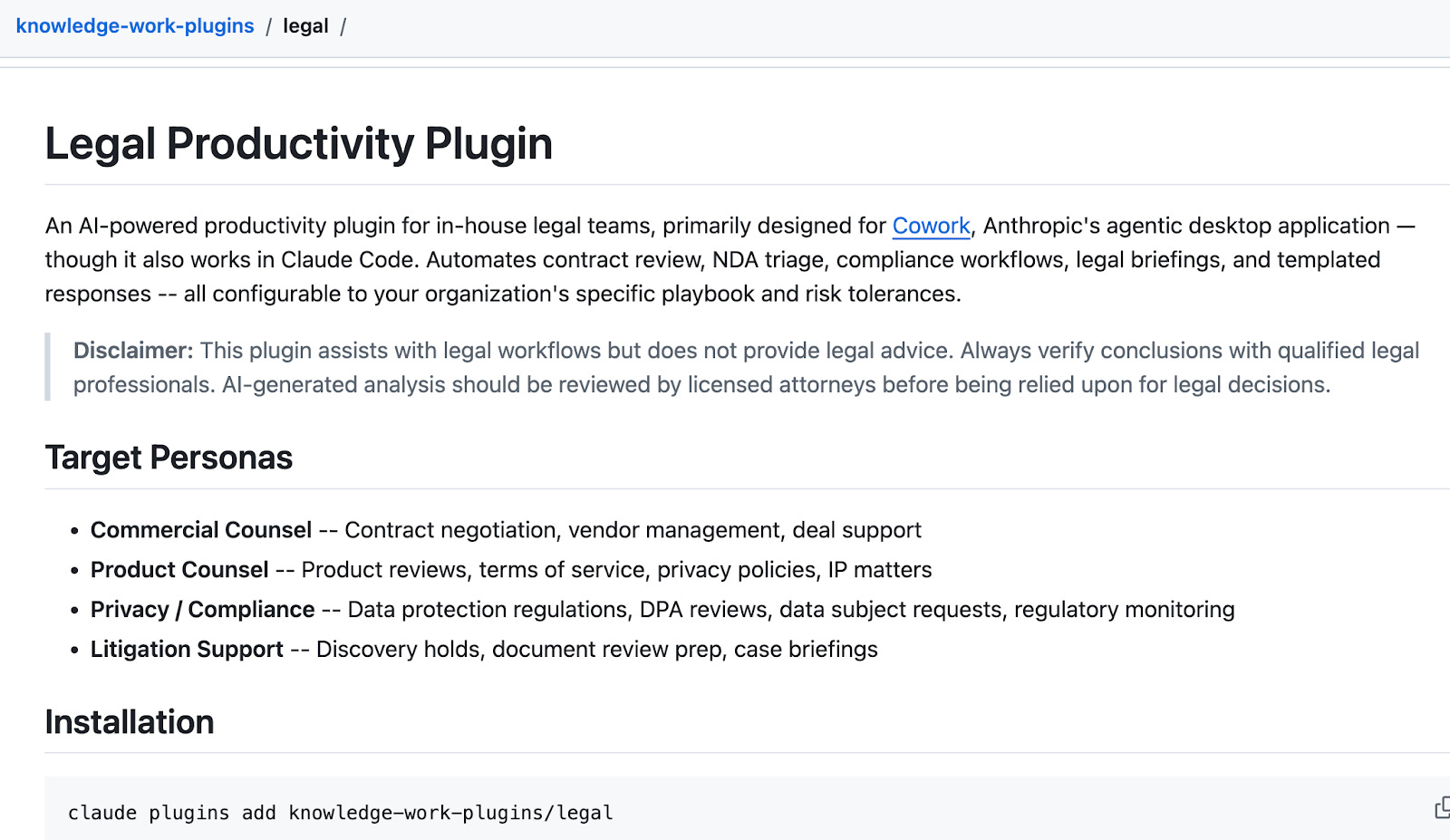
Plugins bundle together skills, connectors, slash commands, and sub-agents into role-specific packages. There’s now a legal document review plugin, alongside plugins for sales, finance, marketing, data analysis, and more.
What this means in practice: you can tell Claude how you like work done, which tools and data to pull from, and what commands to expose. The plugin becomes a specialist that understands your workflows.
Anthropic open-sourced 11 plugins on GitHub, including a “plugin creator” plugin that helps you build your own.
For lawyers, this is significant. It means you can encode your firm’s processes into a plugin, share it across your team, and have Claude apply those standards consistently.
Organisation-wide sharing and private plugin marketplaces are apparently coming “in the weeks ahead.”
Availability
CoWork is currently available as a research preview for paid Claude plans (Pro, Max, Team, Enterprise) on the Claude Desktop app for macOS. Anthropic plans to expand access over time.
Google AI Studio
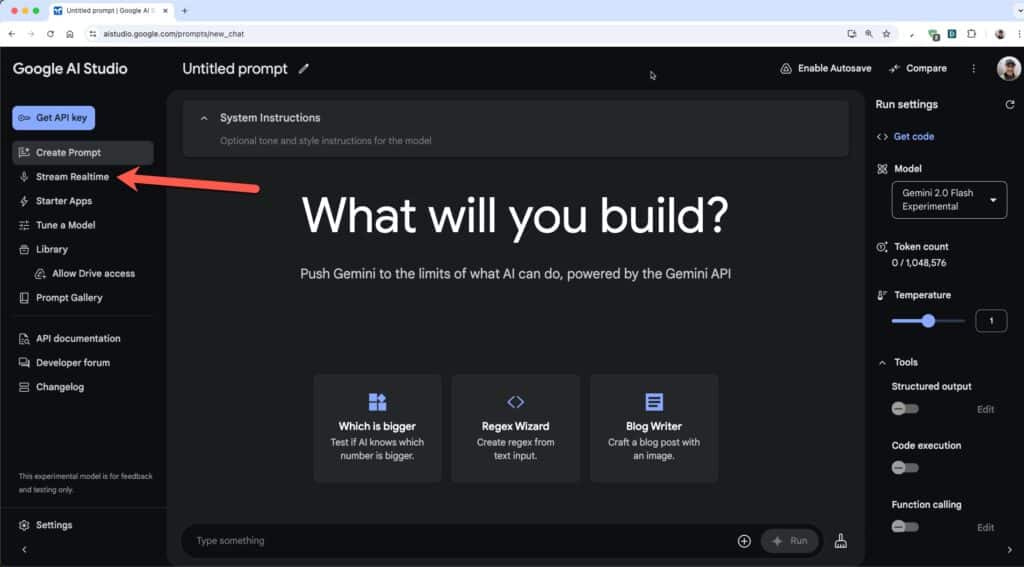
Google AI Studio is a browser-based environment for working with Google’s Gemini models. No coding required to get started, but it scales up if you want to go deeper: native API keys, version control, GitHub integration.
Jamie Tso, who we featured on Law://WhatsNext last year, called it “the ultimate one-stop shop“ — and after spending time with it, we understand why. It hits a sweet spot between accessibility and power that feels like an upgrade on Loveable.
When to Use It
Google AI Studio is for experimentation and prototyping. It’s the sketchpad. Quick to access, easy to use, great for testing ideas before you commit serious time.
Use it when you want to:
Try out Gemini models without setting up infrastructure
Prototype a workflow or test different prompting approaches
Build something functional quickly to see if the concept works
Learn how the models behave before building something production-ready
The friction is low enough that you can test ideas without committing serious time. That’s valuable.
Some great additional resources 🎧
A great Google AI studio 101 (we recommend it as a watch don’t just listen episode) between Peter Yang and Logan Kilpatrick (a Group Product Manager at Google Deepmind) on the popular Behind the Craft podcast:
Google Vertex AI Studio
Vertex AI Studio is Google Cloud’s enterprise-grade offering.
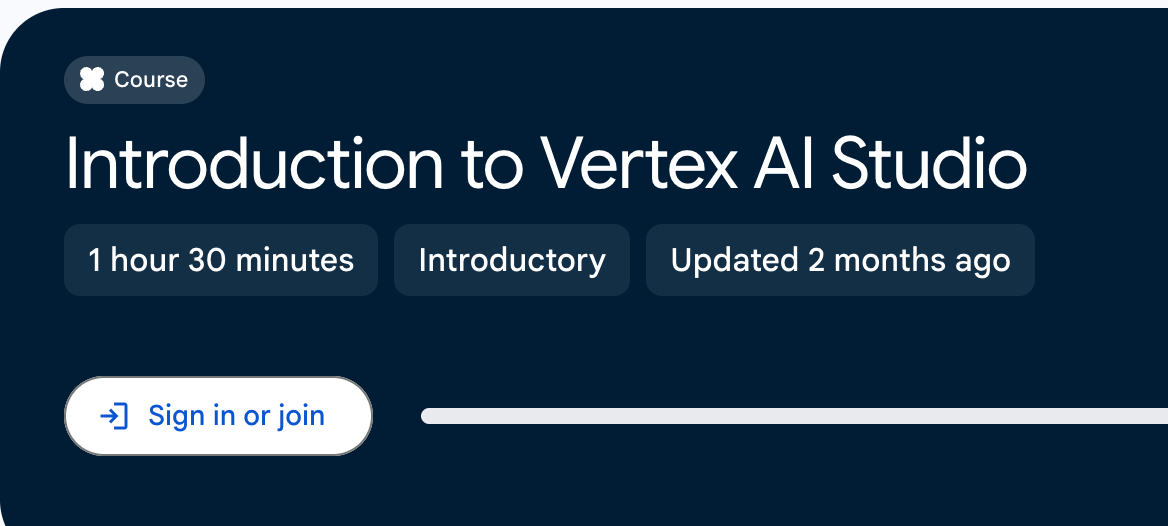
📚 One of the main reasons for including it here in this list of recommendations is this short introductory course (Introduction to Vertex AI Studio) that walks you through the prompt-to-product lifecycle. It covers everything from building multimodal applications, prompt design, prompt engineering, and model tuning.
We’ve both found it to be the best primer for understanding what Google’s infrastructure can actually do.
When to Use It
Vertex AI Studio is for production and scale. Use it when you’re ready to build something that needs to be deployed, integrated with other systems, or used by a team.
A Note on Getting Started
You don’t need to master all four. Maybe pick one based on what you’re trying to do:
Want to build small tools and automations with full control? Start with Claude Code.
Want agentic capabilities without the terminal? Start with Claude CoWork.
Want to experiment with Gemini without leaving your browser? Start with Google AI Studio.
Want a true learning experience to understand the enterprise-grade path to production? Start with the Vertex AI Studio Introduction course.
The barrier to entry on all of this is lower than it’s ever been.
The resources above are the ones that helped us stop reading about these tools and start using them.
Hopefully they do the same for you 🚀
Enjoy your weekends!
Tom & Alex
Solid list. The skills and MCP architecture you've described is exactly the right mental model for lawyers coming into this space. Learn the pattern once, apply it everywhere.
One thing worth flagging for anyone in your audience who's gotten comfortable with Claude Code: it doesn't have to be locked to Anthropic's models. There's a tool called claudish that lets you route Claude Code through OpenRouter to access GPT-5.4, Gemini, and basically anything else https://reading.sh/claude-code-how-to-run-any-model-gpt-5x-gemini-3-1-stealth-inside-it-e67e957e53c3 Same interface, different brain. Handy if you want to compare how different models handle a contract review skill without rebuilding your whole setup.